Before you start
Confirm all of these checks:
- The selected calendar shows Mapped or Mapped +.
- The intended workflow header shows Published.
- The calendar appears under Active calendar triggers.
- A sender Persona is selected if the flow has reachable message steps.
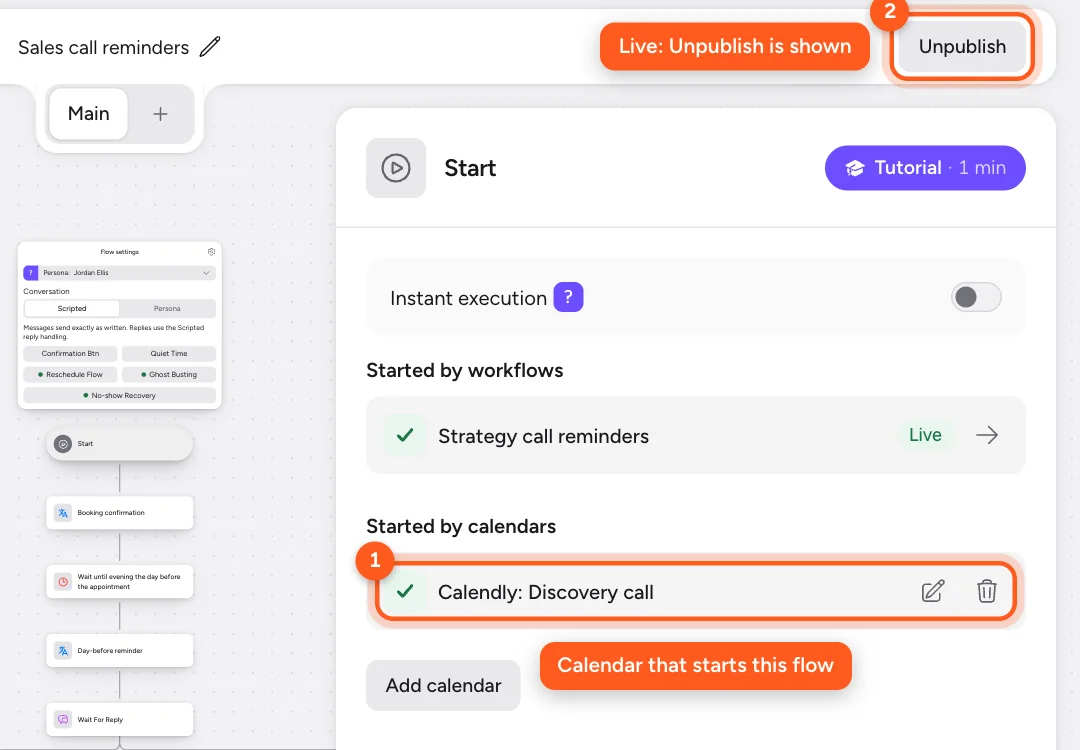
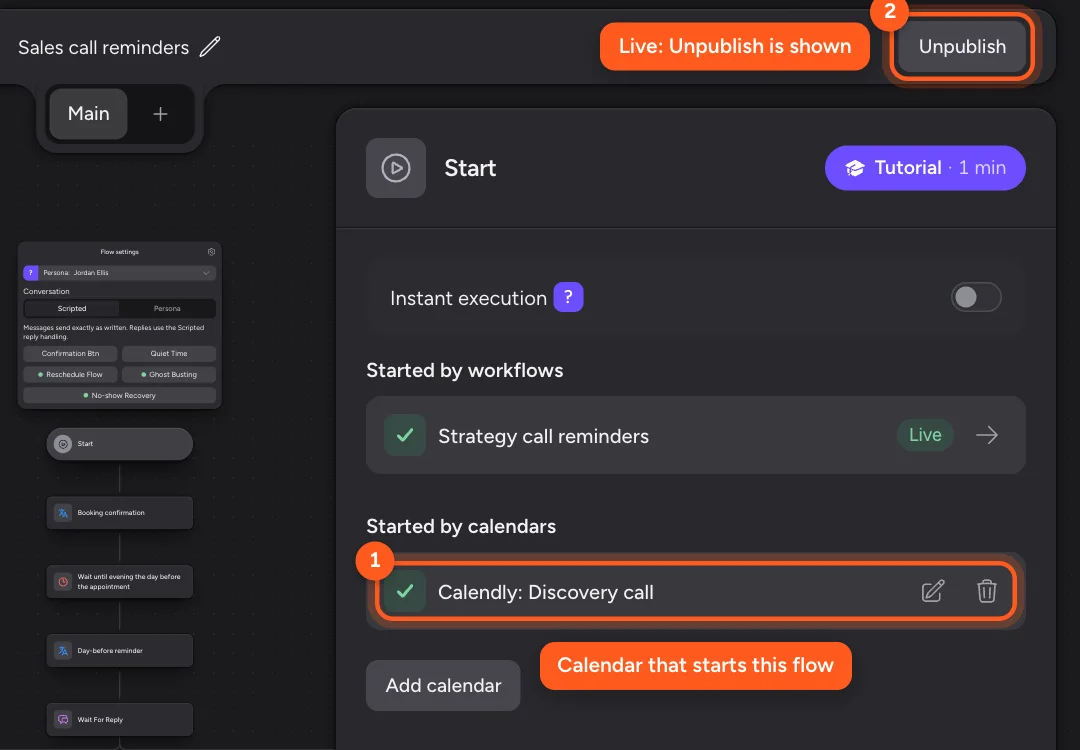
This is a real provider booking path. It can create outbound sends and consume paid usage. Do not use a real lead unless you are authorized to message that person.
Make and inspect the booking
- Create a new controlled booking in the connected provider and intended calendar.
- Open Inbox and find the controlled lead.
- Open the conversation timeline and inspect the messages and their displayed states, such as Pending, Sent, Delivered, Read, or Failed.
- Open Opt-Ins & Appointments and review the appointment and workflow context, or the displayed no-history state.
- Verify the actual run and message evidence shown for this lead before replying. If you need to reply, continue with Use the Inbox.
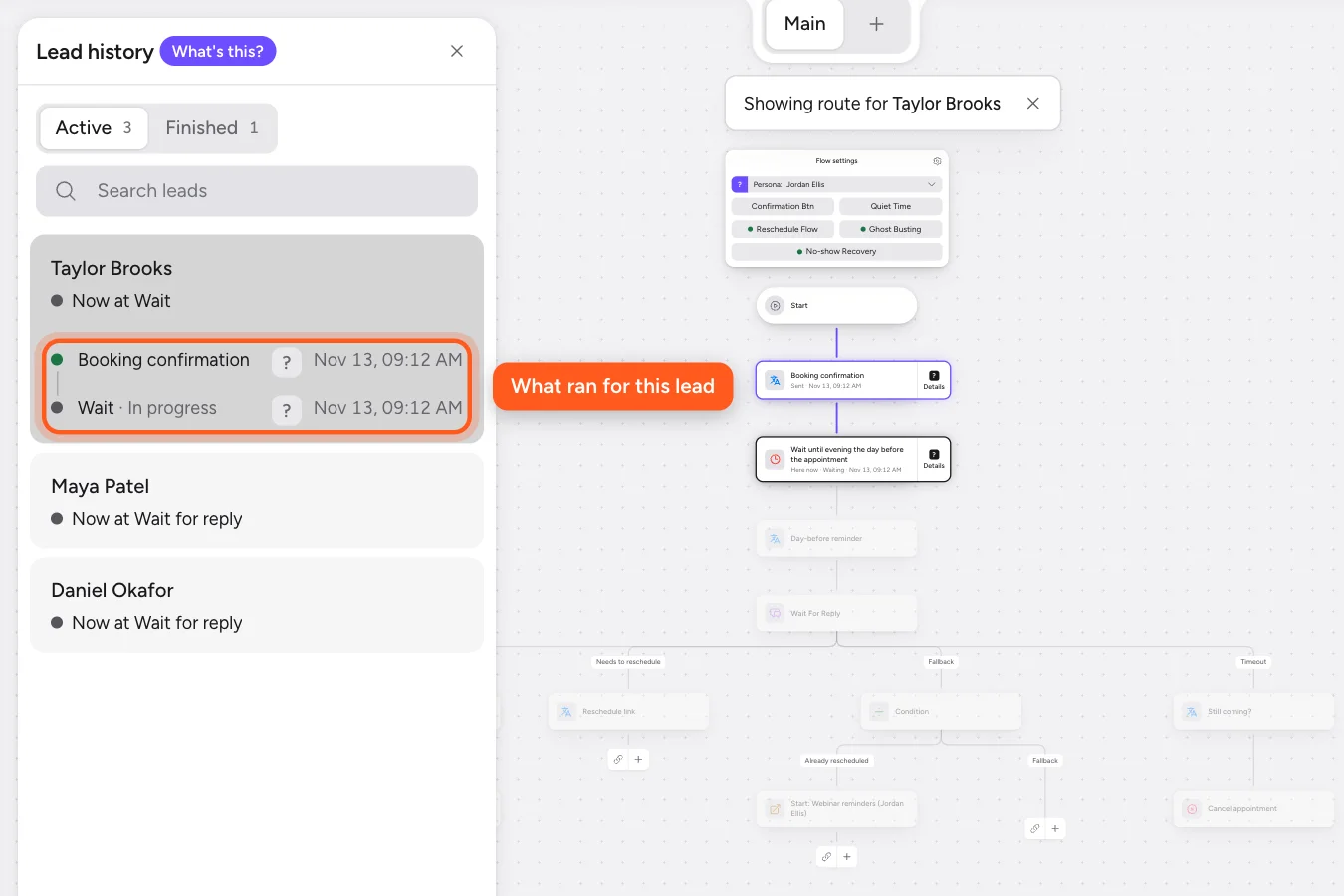
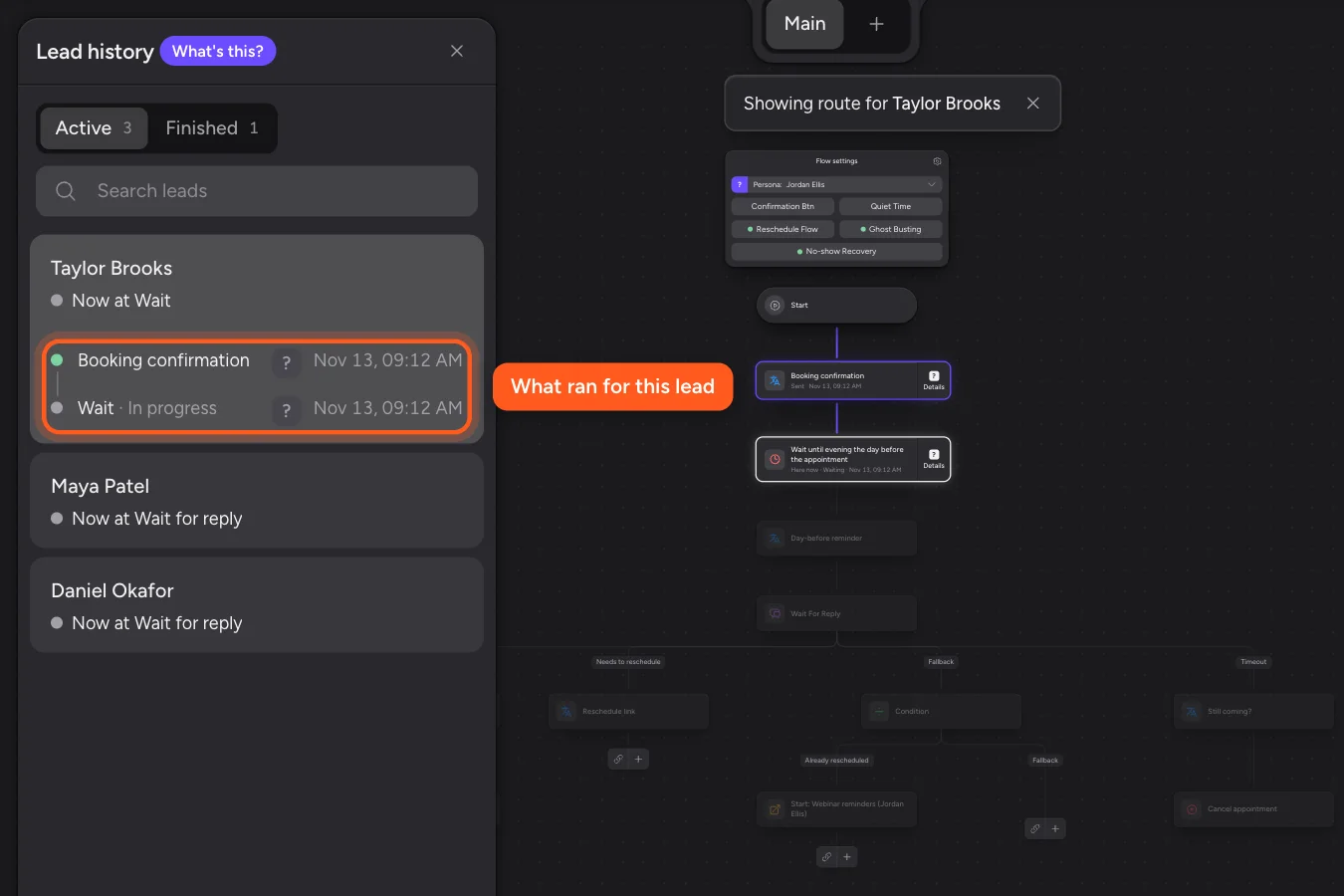
The booking may not run immediately. Do not treat a saved mapping as proof that an appointment was imported or that a workflow ran.
Check your result
Use the evidence shown for the controlled lead in Opt-Ins & Appointments and the conversation timeline. Treat Sent as the displayed message state; it does not by itself prove delivery or read status.
If the evidence is missing
Work through My first workflow did not run. Check the calendar, publication, active entry point, Persona, and displayed readiness or failure reason before making another live booking.